Your timetable is in the wrong app
Your timetable is in the wrong app
Every school running a MIS has the same quiet problem: the timetable — the thing that tells a member of staff where to be, when, and with which class — lives in a system that people only open to do MIS things. Register a class. Log a behaviour point. Check a report. It's not the tool anyone has open at 8:55am when they're trying to remember if period 3 moved rooms because of the mocks.
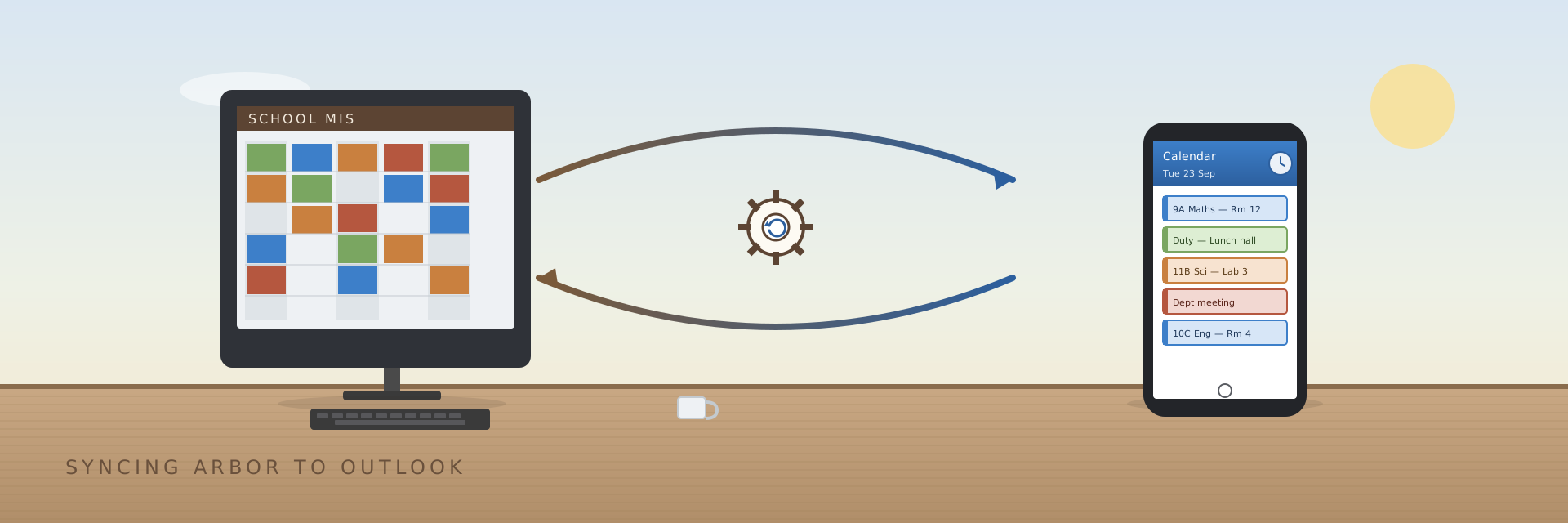
The tool people actually have open is their calendar. So the idea is simple to state: every lesson, duty, and meeting a staff member has should show up as an event in their Outlook calendar, automatically, kept in sync with the MIS, without anyone re-typing anything.
Simple to state. Less simple to do safely — because a calendar sync that gets it wrong doesn't fail quietly. It double-books someone, deletes an event they added themselves, or leaves stale entries for a lesson that got moved. Whatever we built had to be something we'd trust to run unattended, every night, indefinitely.
We didn't start from a blank page
This idea isn't ours. timetable-calendar-generator
by James Gurung has been doing exactly this for schools running SIMS for a while,
and it's the reason we didn't have to work out the hard part from scratch. The
piece of design worth stealing wasn't "call an API and make some events" — it's
how it stays safe to run on a schedule forever:
- Desired-state, not deltas. Each run computes the full set of events that should exist for a user in the sync window, rather than trying to track what changed since last time. That sidesteps an entire category of bugs where a missed run or a crash leaves things half-applied.
- Only touch what you own. Every event the tool creates is tagged. On the next run, it reconciles only the tagged events against the desired state — add what's missing, remove what's tagged but no longer listed, leave everything else (a user's own meetings, anything outside the window) completely alone.
- Idempotent by construction. Because of the two points above, running the sync twice in a row is a no-op. That's what makes "just run it every night" a reasonable operational model instead of a leap of faith.
That's the actual idea this series is about. Everything else — which MIS, which language, which API — is implementation detail.
Except the details didn't line up
We're not a SIMS school; we're an Arbor one. Arbor's API is a GraphQL endpoint, not SIMS', with its own set of quirks we had to learn the hard way — that's post 2. So the sync logic needed rebuilding against a different data source regardless.
Given that, we also changed the implementation language: PowerShell instead of C#. Not because C# did anything wrong, but because of who has to maintain this in five years. A school IT team already lives in PowerShell — it's what provisions AD accounts, runs scheduled maintenance, talks to Microsoft Graph. There's no build step, no project to open, no framework version to keep current. Anyone on the team can open the script, read it top to bottom, and change a line. For a small tool that has to outlive whoever wrote it, that maintainability matters more than any performance or ergonomics C# would have offered.
What we built
Two stages, matching the model above:
- Pull the desired state from Arbor — every current staff member's lessons, duties, and meetings for the sync window — into a plain JSON file.
- Reconcile each Outlook calendar against that file: tagged events not in the file get deleted, missing ones get added, everything else is untouched.
Running stage 2 twice back to back changes nothing. Running it every night, indefinitely, is exactly the plan.
The next two posts go into how each stage actually works: making sense of Arbor's GraphQL API and its rougher edges — rate limits, fields that only ever return the current academic year, staff filters that don't mean what they say — and then the reconciliation engine itself: the diffing, the tagging, the parallel writes to Microsoft Graph, and the edge cases that only show up once real staff data hits it.