
Too Many Options: Picking a CMS and Learning When to Stop Looking
Most of my CMS experience comes from an older world: PHP and ASP.NET systems with a database sitting behind an admin panel. For this round, I wanted to look forward rather than back — modern static site generators, paired with a CMS built around JavaScript/Node or Go, rather than reaching for what I already knew.
What followed was a genuinely useful evaluation. It was also, if I'm honest, a bit of a rabbit hole.
What I looked at
Keystatic
Keystatic bills itself as a tool that makes Markdown, JSON and YAML content in your codebase editable by humans.
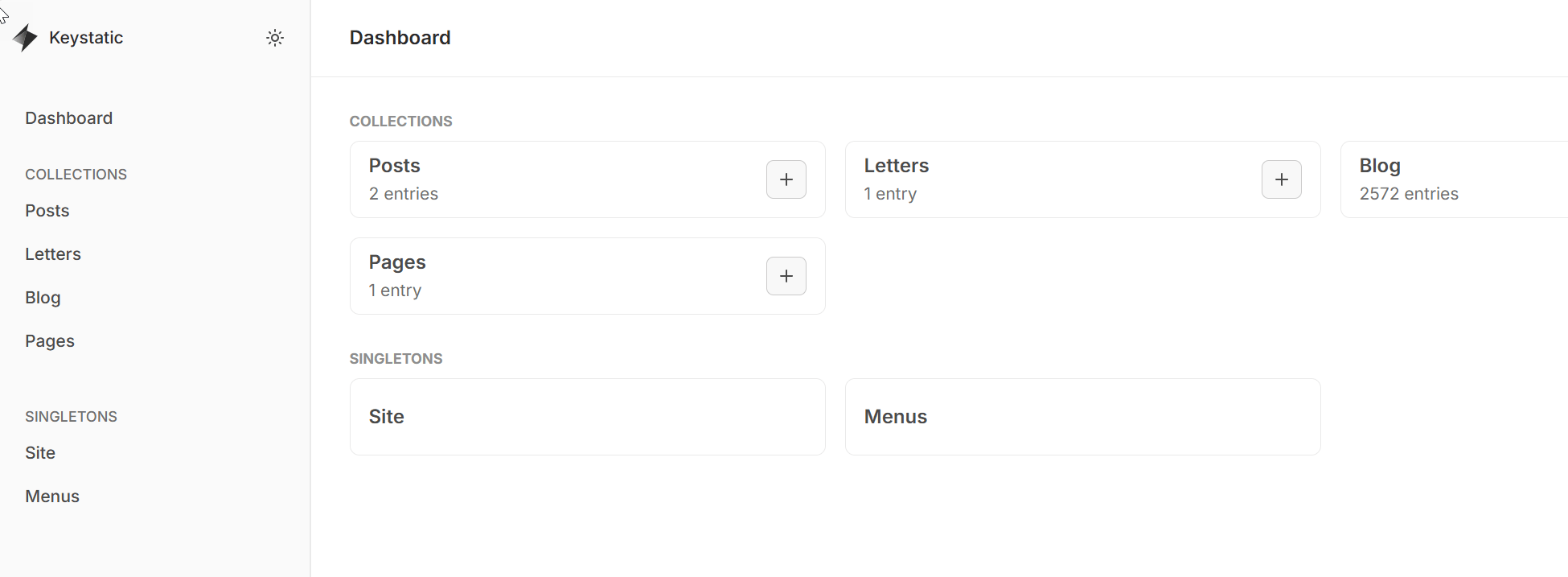
A few things stood out:
- You can define both collections (repeating content, like blog posts) and singletons (one-off pages, like a homepage or settings file).
- With a bit of cleverness in the config, you can approximate a block-builder-style editing experience for more flexible page layouts.
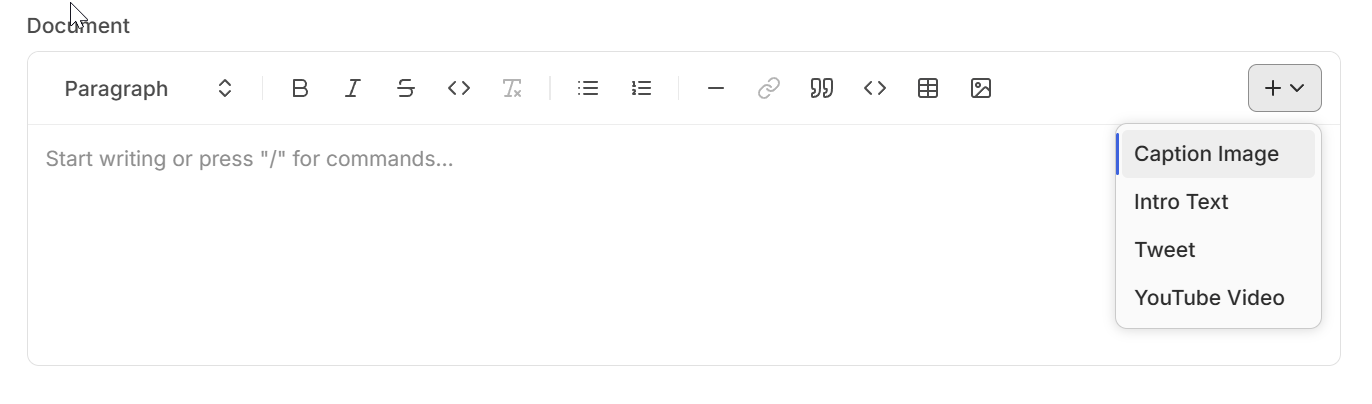
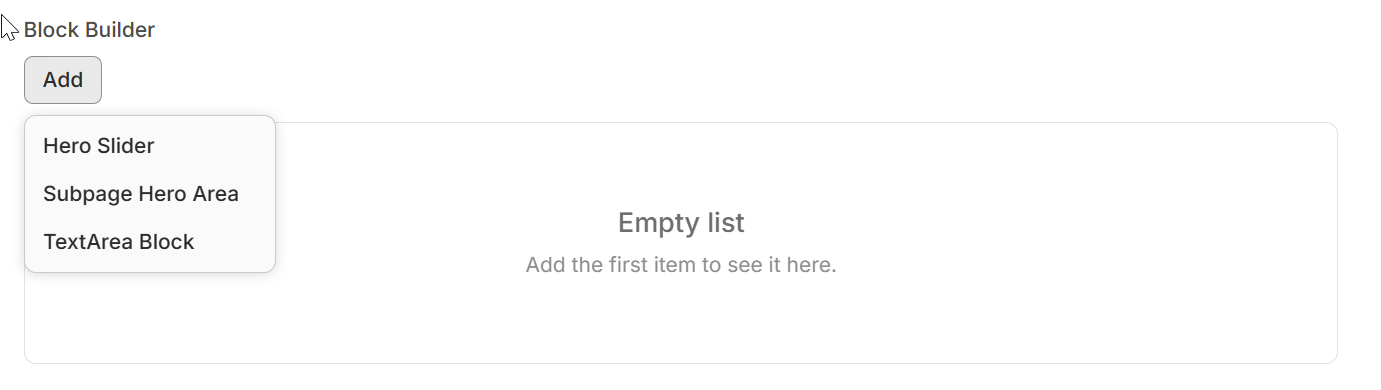
The catch, in testing against a larger dataset: with around 2,500 blog posts in a collection, Keystatic was pulling roughly 15MB from the server just to populate the admin UI. Workable for a small site, but worth knowing about before committing to it for anything with real scale.
Decap CMS
Decap CMS — the project formerly known as Netlify CMS — pitches itself as usable with any static site generator, for a faster and more flexible web project.
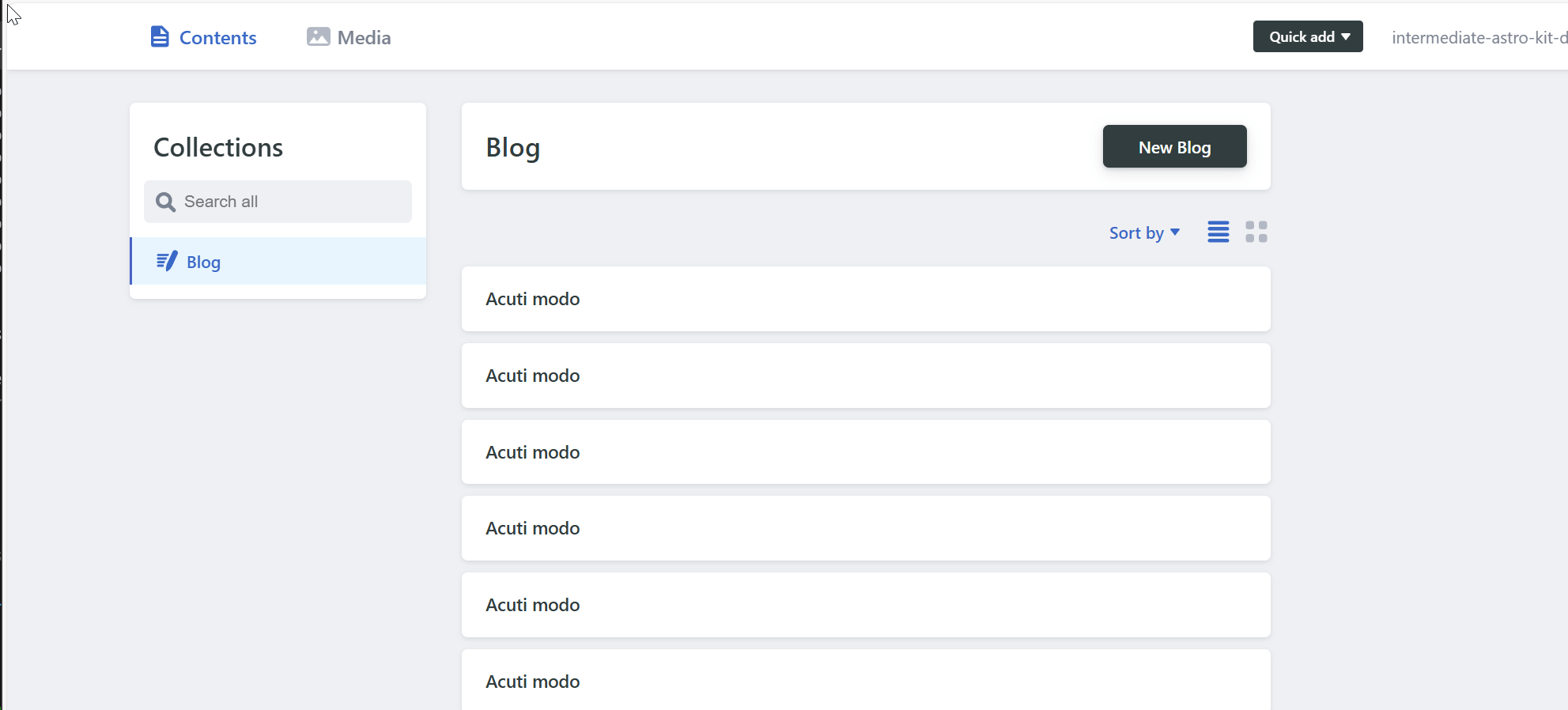
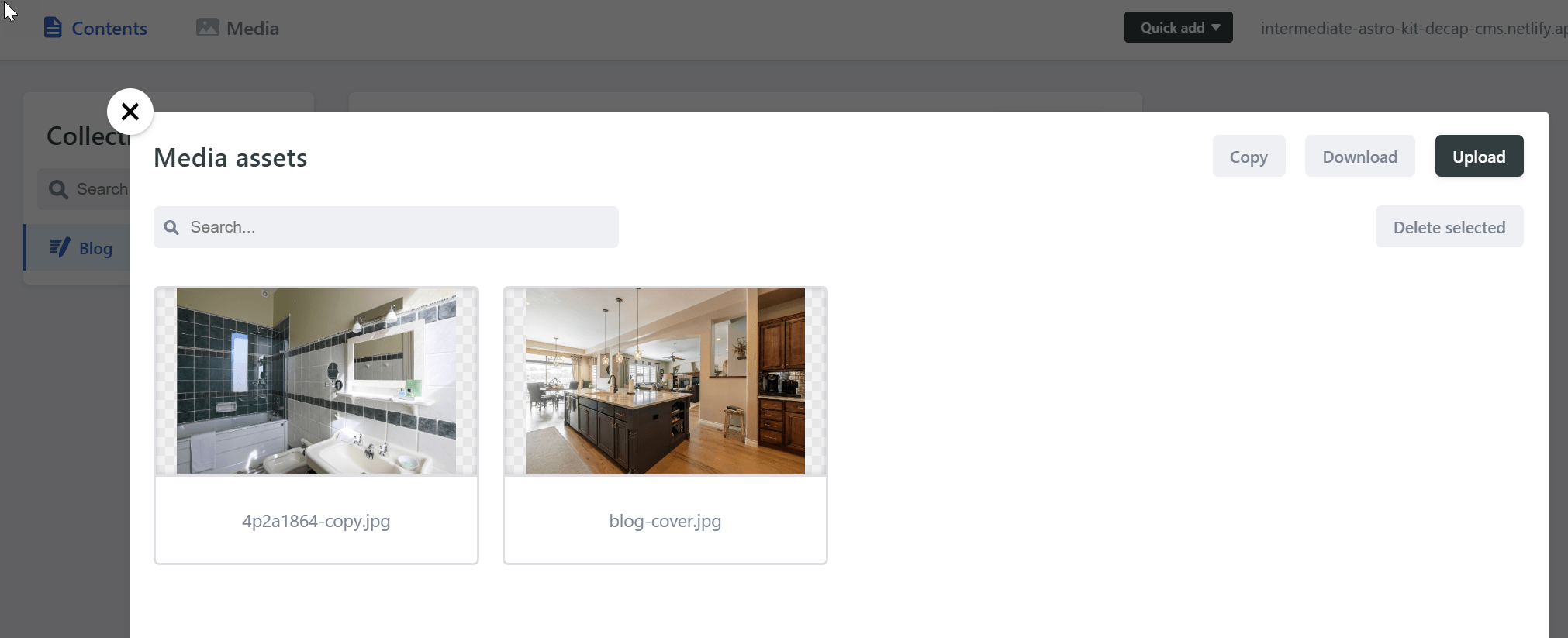
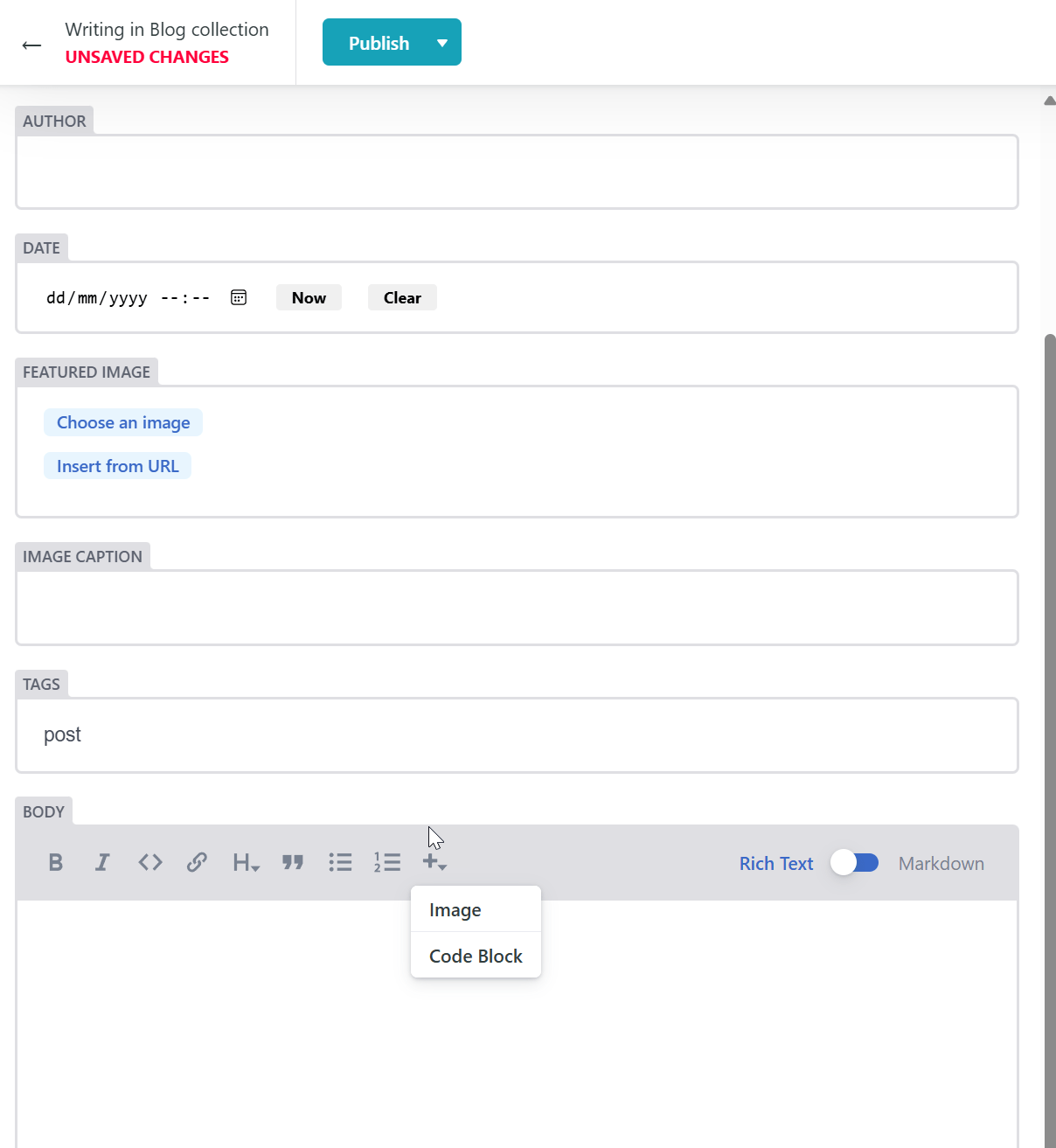
It's the most established option here: git-based, generator-agnostic, and with years of production use behind it. That maturity is reassuring, though the project's development pace has visibly slowed compared to some of the newer alternatives.
Sveltia CMS
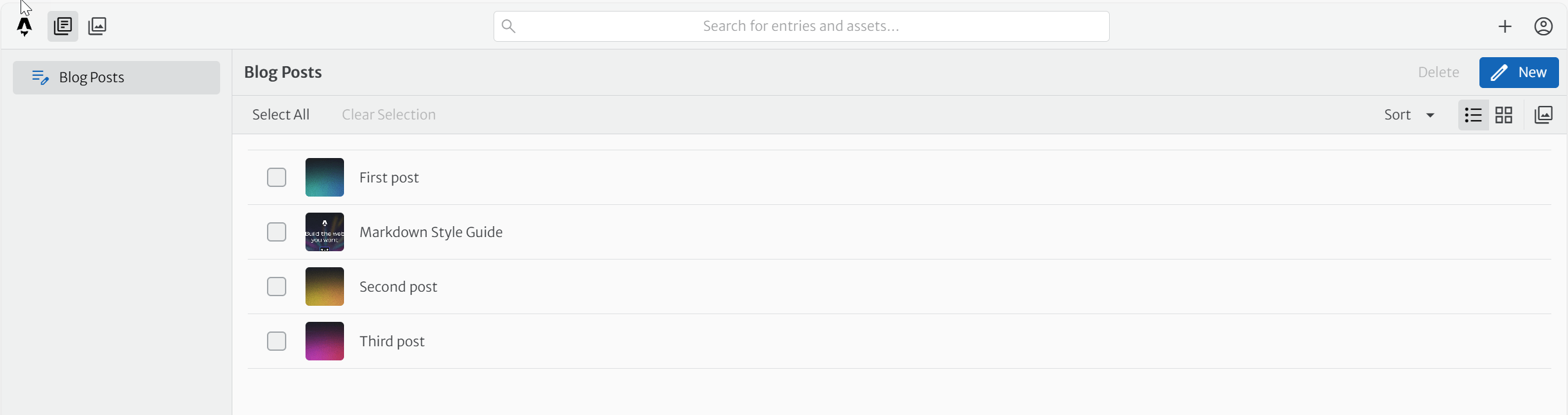
Sveltia CMS is a newer, from-scratch reimplementation aimed squarely at Decap's config format — so it's largely a drop-in replacement — but with a modern rebuild under the hood and a noticeably snappier editing experience.
Gatsby + Decap CMS
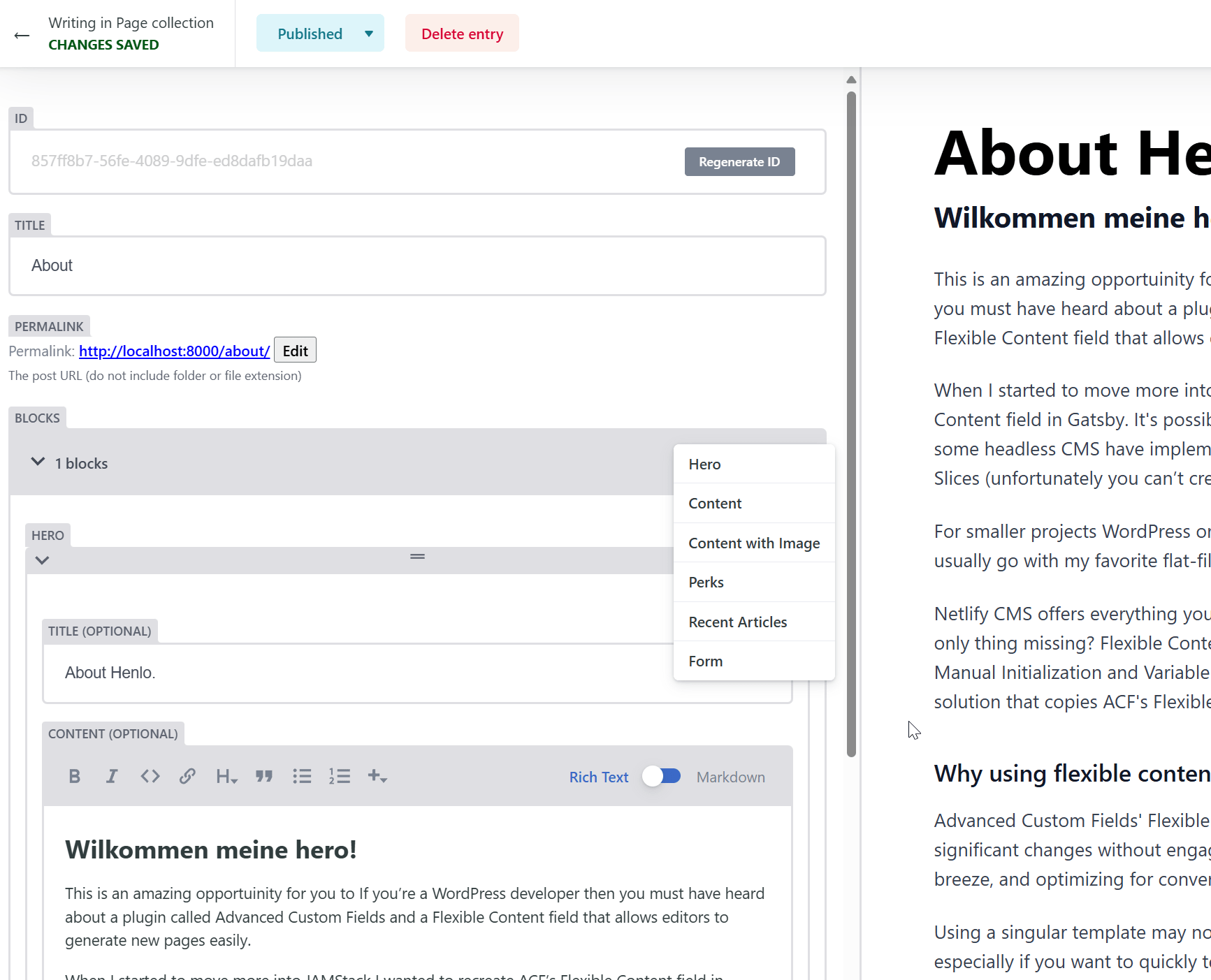
Rounding things out, I also looked at a Gatsby front end paired with Decap CMS — a combination that was extremely common a few years ago and is still floating around in plenty of tutorials and starter templates.
The actual problem
None of the above is a bad option. That's precisely what made this hard.
Four viable tools, each with a slightly different trade-off — data footprint, maturity, speed, ecosystem — and each perfectly capable of doing the job. Add in the generators they can pair with, the themes, the hosting choices, and the total number of "reasonable" combinations balloons fast. At some point the research stops being research and starts being a way of avoiding a decision.
Barry Schwartz wrote about this in The Paradox of Choice: more options don't reliably make us happier with our eventual choice — past a certain point, they make us less confident in it, because there's always another combination we haven't checked yet. Software tooling has the same trap, just dressed up as diligence. Reading one more comparison post feels like progress. Often it's just a well-disguised form of procrastination.
There's a useful distinction from that same research between maximisers, who try to evaluate every option to find the objectively best one, and satisficers, who define what "good enough" looks like and stop once something clears that bar. Maximisers tend to spend far more time deciding and end up less satisfied with the result, because they can never fully rule out that something better exists. For a solo project with a deadline, satisficing isn't a compromise — it's the correct strategy.
Breaking the loop
A few things that actually helped move this from "still evaluating" to "decided":
- Write down the must-haves first, before the options. Markdown/JSON/YAML source of truth, git-based workflow, reasonable editing experience, no database to maintain. Anything meeting all of those is a candidate; everything else is noise.
- Set a decision deadline. Not "when I'm sure," but a date. Certainty rarely arrives — you just run out of time to keep second-guessing.
- Accept that "good enough, shipped" beats "perfect, still in a spreadsheet." A CMS that's live and being used teaches you far more than another week of feature comparisons.
- Write down why, not just what. The reasoning is what lets you revisit the decision sensibly later, rather than relitigating it from scratch.
- Treat the choice as reversible. Content in Markdown, in git, isn't locked into any one tool. Picking "wrong" mostly costs a migration, not a rebuild.
Where I landed
For this site specifically, the honest answer turned out to be: no CMS at all. Content lives as plain Markdown files, edited directly, with Zola handling the build. It's the smallest possible surface area, and it satisfies every one of the must-haves above without adding a dependency.
That's not a verdict on Keystatic, Decap or Sveltia — all three remain solid choices, and I'd reach for Decap or Sveltia without hesitation on a project where non-technical editors need a proper admin UI. It's simply a reminder that the best tool is the one that matches the actual job in front of you, not the one that wins the most comparison points on paper. Sometimes the most productive outcome of an evaluation is realising you didn't need the extra layer in the first place.