Building My New Website with Zola — Keeping It Simple
For small to medium sized web development, people are increasingly reaching for Squarespace-type builders, or WordPress with an Elementor-type visual builder. These solutions aren't necessarily the most suitable, for a few key reasons:
- You don't own your data with some of the online builders — so you're at their mercy when it comes to pricing.
- WordPress can easily be abused with bloated visual builders and too many plugins. This creates performance problems, opens up security issues, and makes keeping the site up to date a major feat. Within the education space, outdated WordPress instances and plugins have been highlighted as a particular concern in 2024.
A small to medium sized digital presence needs to offer the following:
- Data Ownership — You should be able to both shape your data and own it.
- Durability — A website should be long-lasting, stable and easy to maintain. It shouldn't break constantly because a handful of third-party plugins are conflicting or need constant updates. It should just work, and be kept up to date with simple, occasional maintenance.
- Ease of Use — A competent developer or designer should be able to set up the design, hosting, and maintenance. The end user should be able to focus purely on the content: add a new blog post weekly, update a staff member's title, swap out a photo, add an event, and so on.
A bit of history
Since the late 1990s I've had the opportunity to develop a number of websites and intranets within the education space where I've worked:
- School intranet — 1997/1998 (not sure I've still got any screenshots of this one)
- University project — 2001 — University Project Report
- School website — Microsoft FrontPage — 2000–2003
- School website — PHP — 2004/2005
- School intranet — 2001–2013
- School website — ASP.NET — ~2006–2011
- School intranet — ASP.NET, Home Access Plus — patches contributed 2013–2014, in use until 2022
- School website — PHP, Grav — 2015–2021
Between 2000 and 2013 the focus was always on building something with an integrated database. By 2015 I'd started thinking about static site generators — Grav was (and still is) great to use, but it was never quite what I wanted.
None of these were built on WordPress, so this isn't a "migration" story — it's more that WordPress and its site-builder relatives are the default a lot of people reach for, and I wanted to set out why I've gone a different way for this new site.
Keeping it simple
It's a great time to be a web developer, but I've been looking for a way to "keep it simple." This blog post on moving from WordPress to Astro makes a similar case for a static build. For this new site, after weighing up a few options, I've settled on Zola.
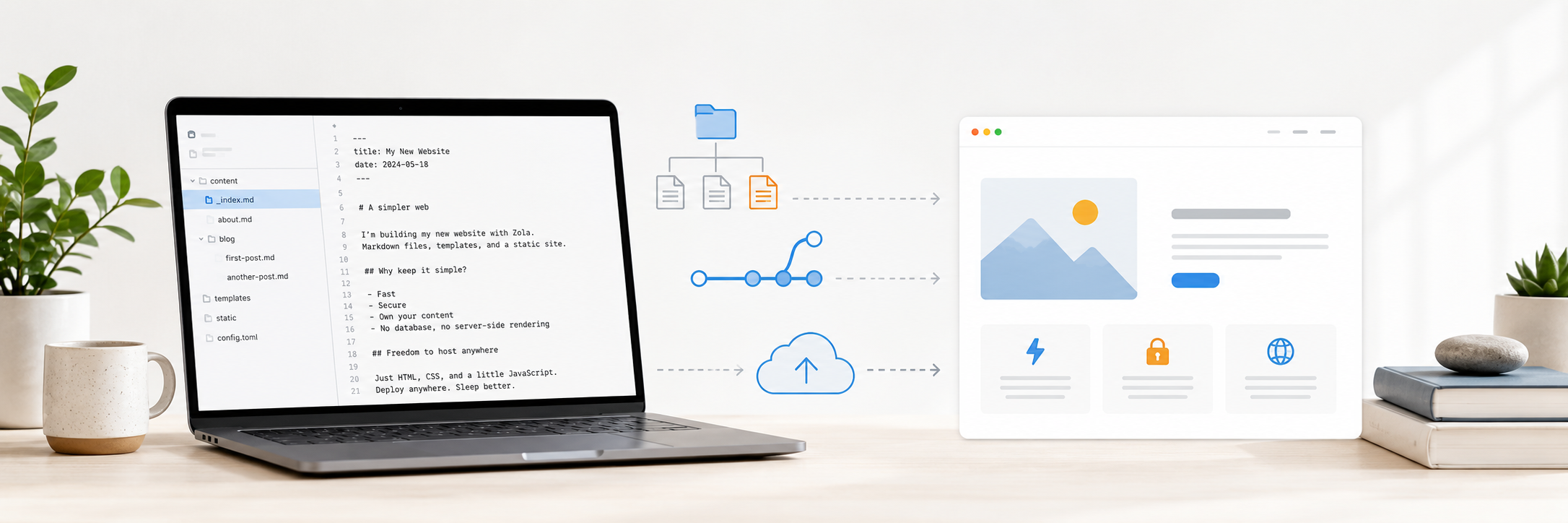
I initially looked A CMS Layer( see "Too many options" ) then looked at Hugo with Hugo Blox, but landed on Zola instead: it's a single self-contained binary (no Node/npm toolchain to babysit), has Sass compilation and asset processing built in, and its templating (Tera) is straightforward to pick up. Content lives as plain Markdown files in the repo — no CMS layer, no database, no admin panel to secure or update. Just files, git, and a build step.
The plan
The aim of this series of posts is to document building this new site from scratch, and to use the experience as a research exercise for evaluating Zola as a solid setup for other projects too — including, potentially, sites at the school trust I work for.
- Set up the new site with Zola, managing all content as Markdown.
- Build out a theme using Tailwind CSS.
- Publish the site statically via Cloudflare.
- Use the build as a proof of concept for:
- Defining a clean content structure/schema for a small site.
- Keeping the whole workflow git-based, with no CMS or database dependency.
- Prove out ease of use and speed of development within a modern stack — can the above be achieved within 4–5 days?